- Game
- Grand Theft Auto VI (PS5, Xbox Series X|S; Xbox One via Xbox Cloud Gaming)
- Server status
- Rockstar Service Status: all services operational as of November 20, 2026, 8:30 p.m. UTC; no separate GTA VI entry
- Platform status
- PlayStation Service Status and Xbox Status
- Online play
- None; the PlayStation Store lists "Offline play only"
- Who fixes what
- Rockstar Support: gameplay issues, patches, bugs. PlayStation or Xbox: account, download, install, codes, refunds
- Source
- Rockstar Support, PlayStation Support, Xbox Support, PlayStation Store
GTA 6 has no online mode, so when it won't work the cause sits on your console or with the platform: the download, the license, storage or the game itself. Each of those has an official fix.
Is GTA 6 down? Server status
Probably not, because there's no GTA 6 server to go down. Grand Theft Auto VI is single-player, and the PlayStation Store lists it as "Offline play only." Rockstar's service status page has no GTA VI row: it tracks GTA Online, Red Dead Online, Rockstar's online services (Authentication, the Rockstar Games Launcher and the Store) and the Cfx roleplay services. At 8:30 p.m. UTC on November 20, every one of them read "All services operational."
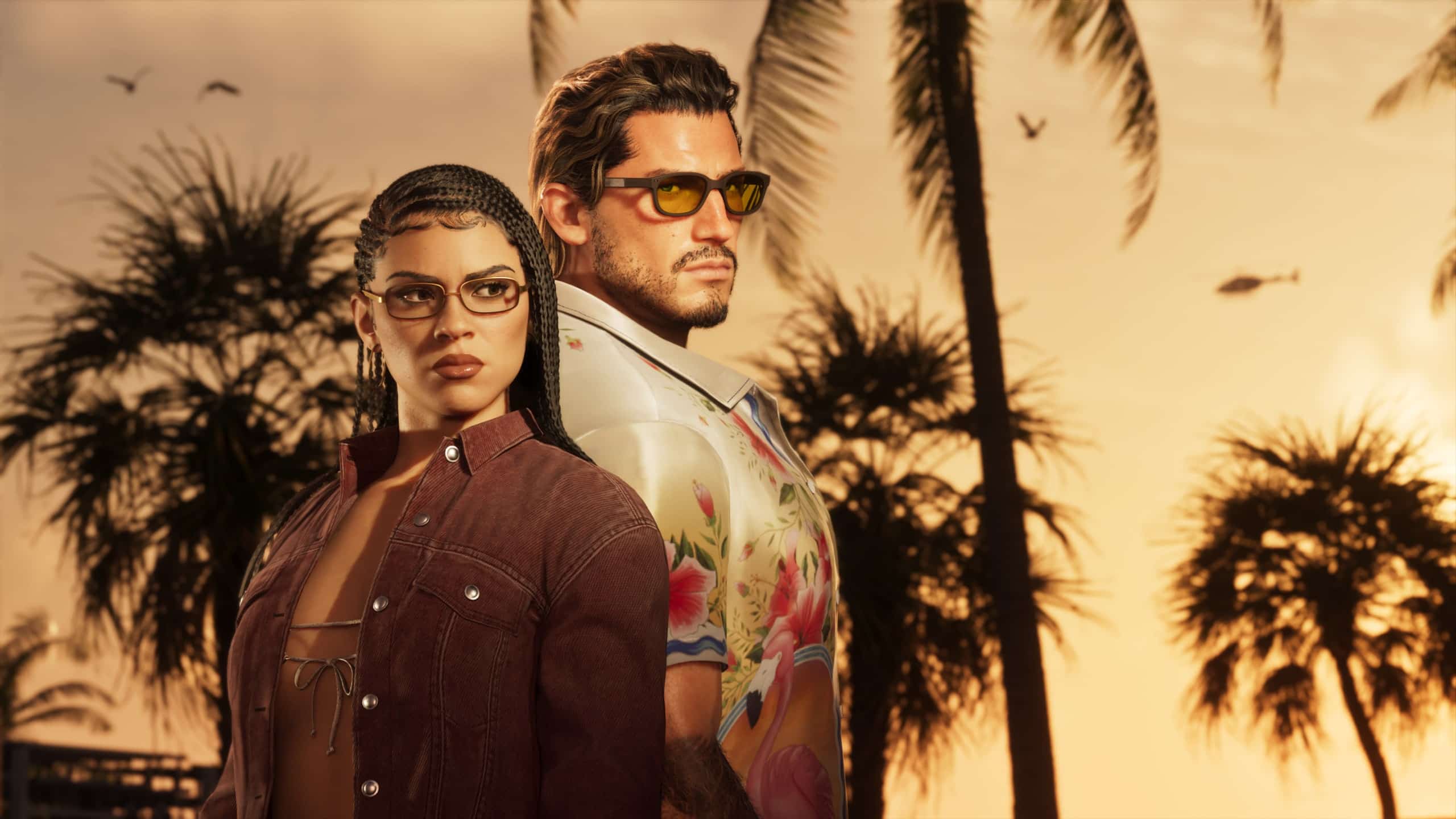
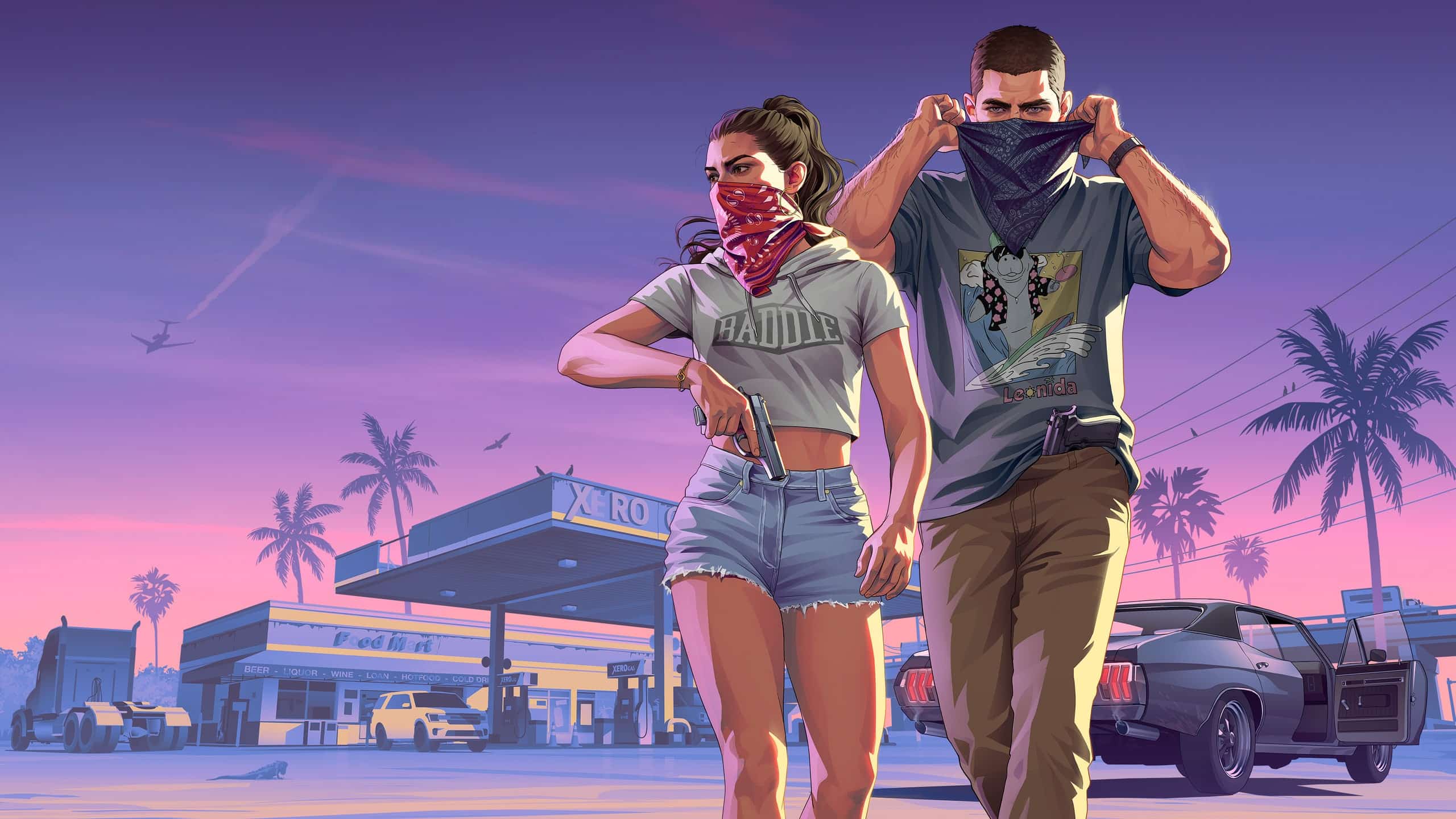
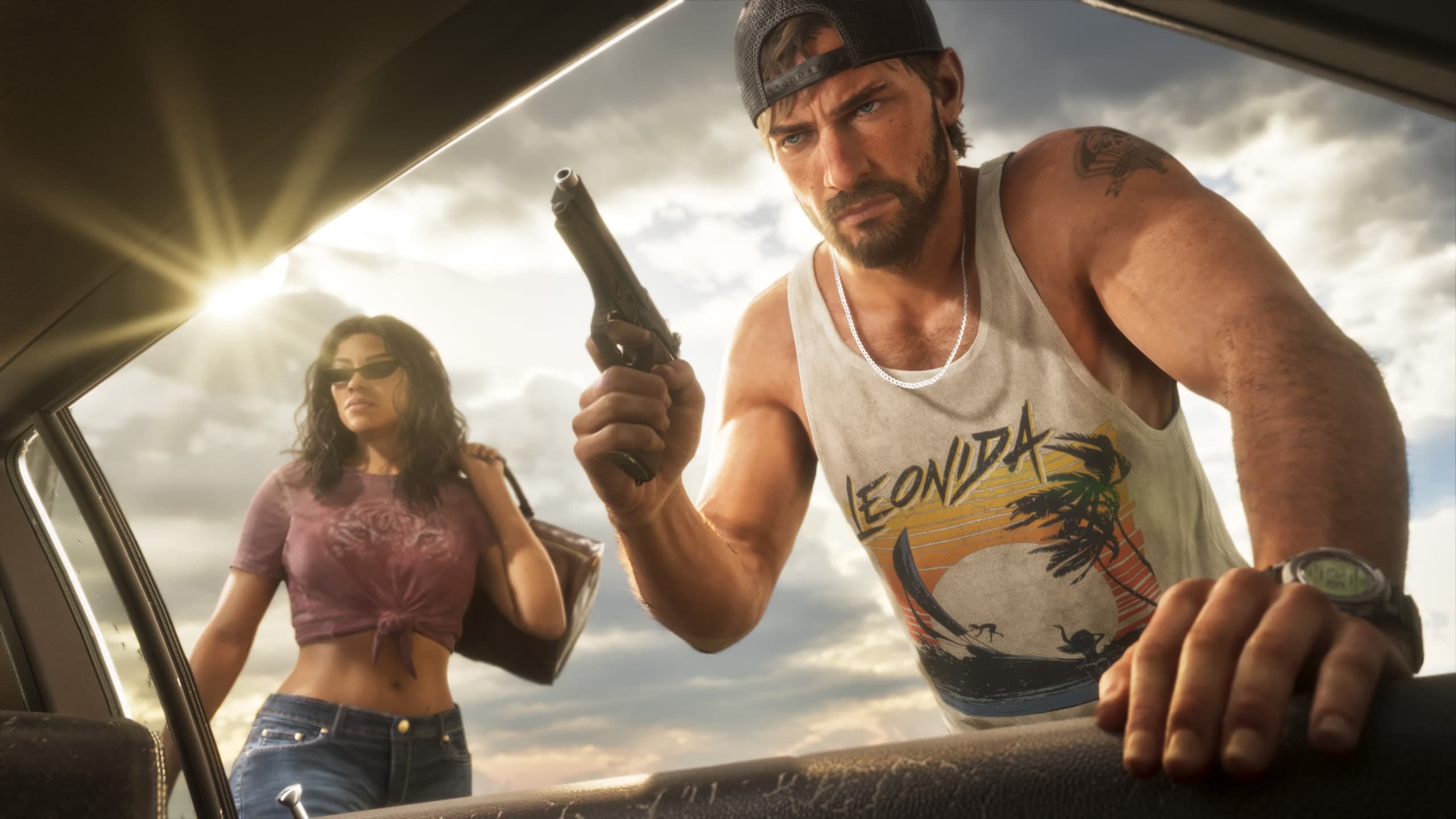
PlayStation's GTA VI page calls the game "Jason and Lucia's story," and it plays out entirely on your console: there's no lobby, matchmaking or shared world for a server outage to take down.
If the game won't download, unlock or check your license, the platform is the likelier culprit. PlayStation Service Status covers account management, gaming and social, and the PlayStation Store; Xbox Status has separate rows for the store, games and "Cloud gaming & remote play," which is the one to check if you're streaming GTA 6 on an Xbox One. Both showed all services running when we checked on November 20.
GTA 6 not working on PS5? What to check
Start with the four checks PlayStation lists on its GTA VI support page: you're signed in to the account that bought the game or redeemed its code, the console is online, there's enough storage, and the system software is up to date. Boxed copies hold only a download code, no disc, so the game won't appear until you redeem it under Redeem Code.
- Turn on Console Sharing and Offline Play (Settings > Users and Accounts > Other).
- Restore licenses for your account.
- Start the console in Safe Mode and choose Clear Cache and Rebuild Database.
A download that won't start can be restarted from Downloads/Uploads in the control center: select GTA VI, Pause, then Resume, or Cancel and Delete and download it again from your Game Library. That's the fix Rockstar's own installation support article points to.
GTA 6 crashing on PS5: error CE-108255-1 and other codes
CE-108255-1 is the crash code players are reporting, and PlayStation describes it only as "An error occurred with the game/application," with one fix: "Try updating your game." Players on Reddit's PS5 help forum report repeated CE-108255-1 crashes on both the original PS5 and the PS5 Slim, some within the first minutes, as reported by Beebom. Neither Rockstar nor Sony has named a cause or announced a fix as of November 20.
To check for a GTA 6 update, highlight the game on the home screen, press the Options button and select Check for Update, per PlayStation's update guide. These are the other PS5 codes that match common GTA 6 problems, with PlayStation's own fixes:
| Code | What PlayStation says it means | PlayStation's fix |
|---|---|---|
| CE-108255-1 | An error occurred with the game/application | Update the game; otherwise PlayStation Repairs |
| CE-107857-8 | Error while loading or updating the application | Restart, update system software and game, reinstall, then Rebuild Database in Safe Mode |
| CE-100005-6 | The game or application can't load | Delete the game and reinstall it from your library |
| CE-100028-1 | Not enough free space on the SSD | Check Settings > Storage and delete data |
| NP-102946-2 | Please install the latest update file | Go online, make room and install the update |
For any other code, search it on PlayStation's PS5 error codes page, the page Rockstar Support's GTA VI error troubleshooting article links for PS5. GTA 6 needs up to 212 GB of free space, so check storage first if an install or update fails; our GTA 6 on PC, PS5 and Xbox section has the per-console sizes.
GTA 6 not working on Xbox Series X|S or Xbox One
Microsoft's own game troubleshooting page opens with a banner pointing GTA VI questions to Rockstar, then runs through these steps for a game that freezes, quits or won't start:
- Check the Xbox status page and Microsoft's known-issues list (it had no GTA VI entry on November 20).
- Quit the game from the guide (Xbox button, highlight the game, Menu button, Quit) and restart it.
- Power cycle: hold the Xbox button on the console for at least 10 seconds, then turn it back on.
- Test your connection under Profile & system > Settings > General > Network settings.
- Try a different profile; if that works, remove and re-add yours.
If you see a code, enter it in Xbox's error code search, Rockstar's recommended lookup for Xbox. For a download that won't start, Xbox's installation guide checks the status page, that you're signed in with the profile that bought it, free space and a pending console update (Profile & system > Settings > System > Updates).
On Xbox One, GTA 6 only runs through Xbox Cloud Gaming, which Xbox Wire says uses Series S settings and still requires buying the game; Microsoft adds that cloud availability "may vary by market and device." Rockstar Support warns that connection speed "may influence game performance." Our GTA 6 out now guide covers how the cloud version launched.
GTA 6 code not working
Redeem it on the platform, not with Rockstar. Rockstar Support's activation article sends code-in-box and gifted codes to PlayStation's redeem guide and Xbox's redeem guide. PlayStation codes are region-locked: Rockstar's platforms and editions page says a code must match the region of your PlayStation account, while "XBOX: Codes purchased are not region-locked." In Japan, PS5 codes expire 170 days after November 19, 2026. If the code is missing or unreadable, PlayStation says to contact the retailer.
Not bugs: no multiplayer, no 60fps, no disc, no PC version
Some things players report as GTA 6 not working are how the game shipped:
- No online mode or multiplayer, so no crossplay. The PlayStation Store lists the game as offline play only.
- No 60fps mode. Rockstar's Technology Production Director Marc Chambers told Kotaku that even the PS5 Pro "is not powerful enough to run the game's complex simulation at higher frame rates."
- No disc. The boxed version holds a download code, per Rockstar Support.
- No PC, PS4 or Switch 2 version. Rockstar lists only PS5 and Xbox Series X|S, with Xbox One through the cloud.
- A pre-order that isn't showing up: PlayStation says to check Order History under your avatar to confirm the purchase went through, and Xbox says to sign in with the profile that bought it.
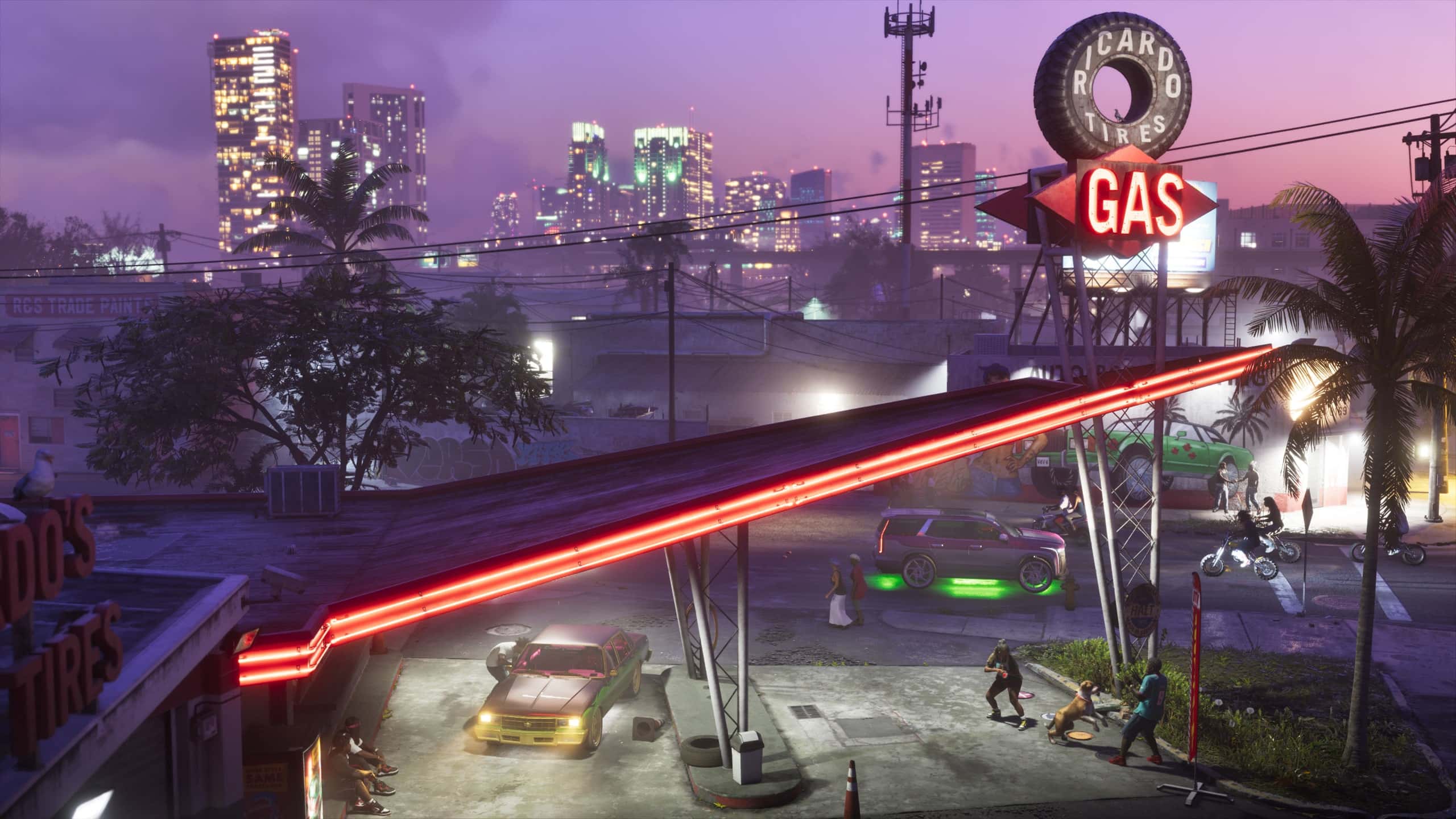
For a sense of how busy the game gets, Rockstar's launch gallery includes this packed Vice City club.

Who to contact: Rockstar, PlayStation or Xbox?
It depends on what broke. PlayStation's GTA VI page sends gameplay issues, patches and bugs to Rockstar Support, and keeps account, launch, download, code, installation, refund and suspension problems with PlayStation Support. Xbox's support pages carry the same pointer to Rockstar for GTA VI. Rockstar Support takes requests through its site 24/7, it says.
What we don't know yet
- The cause of the CE-108255-1 crashes. Rockstar and Sony haven't commented.
- Patch notes. Rockstar Support hasn't published any for GTA 6 as of November 20, 2026.
Questions and answers
Is GTA 6 down right now?
There are no GTA 6 servers: it's offline single-player. Rockstar's service status page showed all services operational at 8:30 p.m. UTC on November 20, 2026; check PlayStation or Xbox status if downloads or licenses fail.
Does GTA 6 need an internet connection?
Not to play. The PlayStation Store lists it as offline play only, though you need to be online to download it, redeem a code and install updates.
Why does GTA 6 keep crashing on PS5?
Rockstar and Sony haven't said. The code players report, CE-108255-1, is a general game error, and PlayStation's fix is to update the game.
Why is GTA 6 not running at 60fps?
It isn't meant to. Rockstar told Kotaku there's no higher frame-rate mode on any console, PS5 Pro included.
Why won't GTA 6 work on my Xbox One?
GTA 6 only streams to Xbox One through Xbox Cloud Gaming. Check the Cloud gaming and remote play row on Xbox Status, and make sure you've bought the game.